
Conversational Care: Customer Service That Never Sleeps
Resolve service enquiries exactly where your customers already are: in the messenger. Automate the resolution of even complex requests around the clock and involve your team members precisely where they are truly needed.
Business Unit
Customer Service
Users
Service, Customers
Data Sources
Contract and Usage Data, Status Updates, Chat History
01 · Initial Situation
Service Requests Grow Faster Than Capacity
Many service teams experience high enquiry volumes, particularly during peak periods in the evenings or at weekends, when traditional service and working hours are insufficient. Email as the main channel is comparatively slow and costly. While existing chatbots reliably handle simple FAQ enquiries, they reach their limits in more complex cases.
Customer service needs to scale cost-effectively without compromising on quality and integrate seamlessly into the existing system landscape.
02 · How the AI Works
A Service Channel That Thinks Ahead
The AI agent captures enquiries in the messenger, understands them in context, processes them automatically and makes the quality of every response measurable.

01 · Request Capture
Customers submit their request directly via the messenger they already use. The AI agent handles enquiries around the clock, with no waiting time.

02 · Understanding the Context
Rather than relying on rigid decision trees, the AI agent understands requests in context. It also identifies more complex and less clearly formulated cases.
03 · Automated Processing
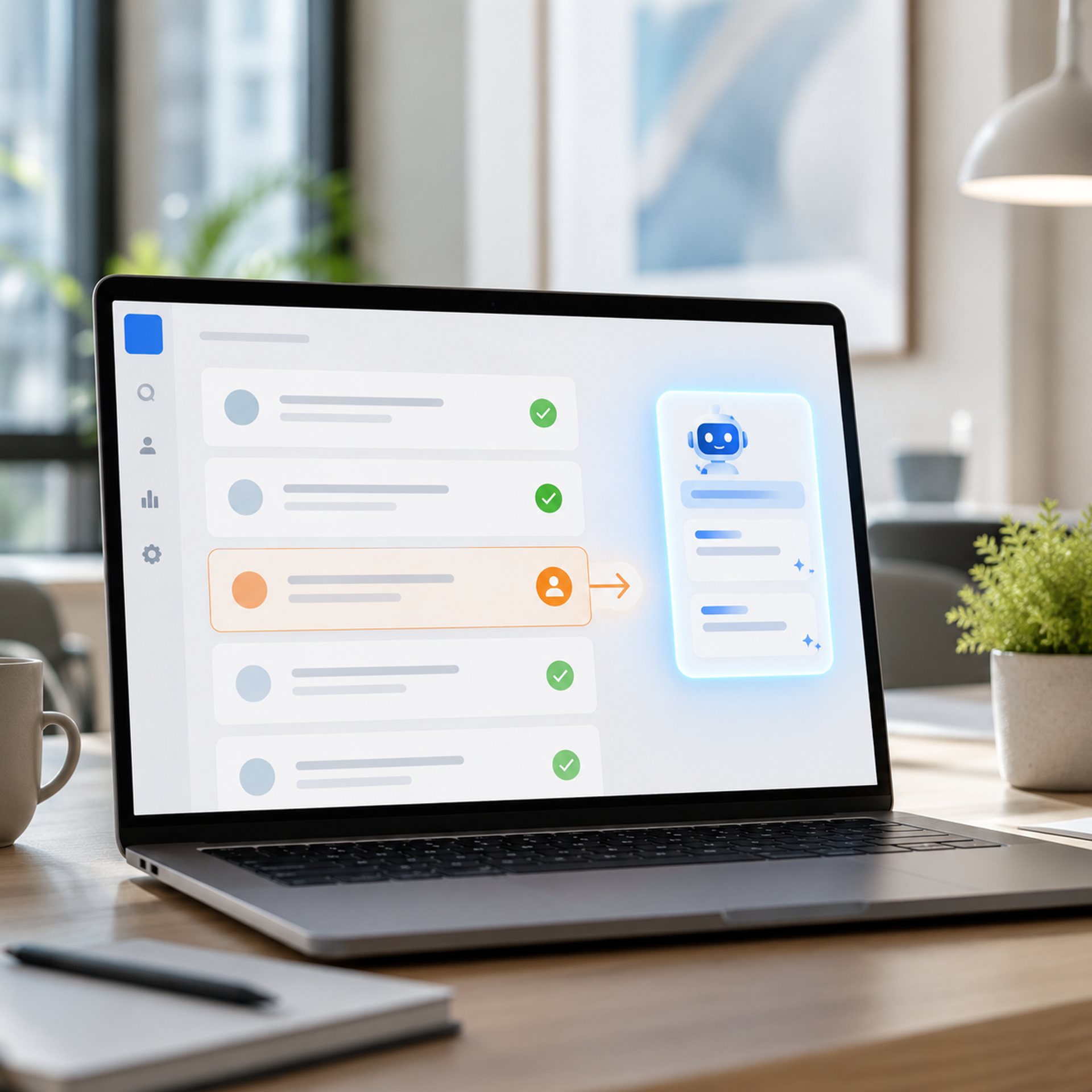
Based on contract and usage data, the AI agent resolves requests independently or prepares them for handover. It specifically reduces unnecessary escalations to human team members.

04 · Quality Monitoring
Reporting functions analyse responses in a structured way and reveal patterns. They identify anomalies before they become a problem.
03 · Example Output
A Request, Resolved Automatically
A subscriber to a streaming provider reports via messenger that the stream drops out during a live event.
1. Capture: The message is received via the messenger and assigned to the service case.
2. Structuring: The AI agent converts the request into a structured case in the CRM system.
3. Assessment: The AI agent checks whether a known issue exists and compares the request with account and usage data to distinguish between an individual case and a disruption.
4. Routing: If the AI agent can resolve the issue independently, it responds directly. Otherwise, it hands the case over to a team member with the full context.
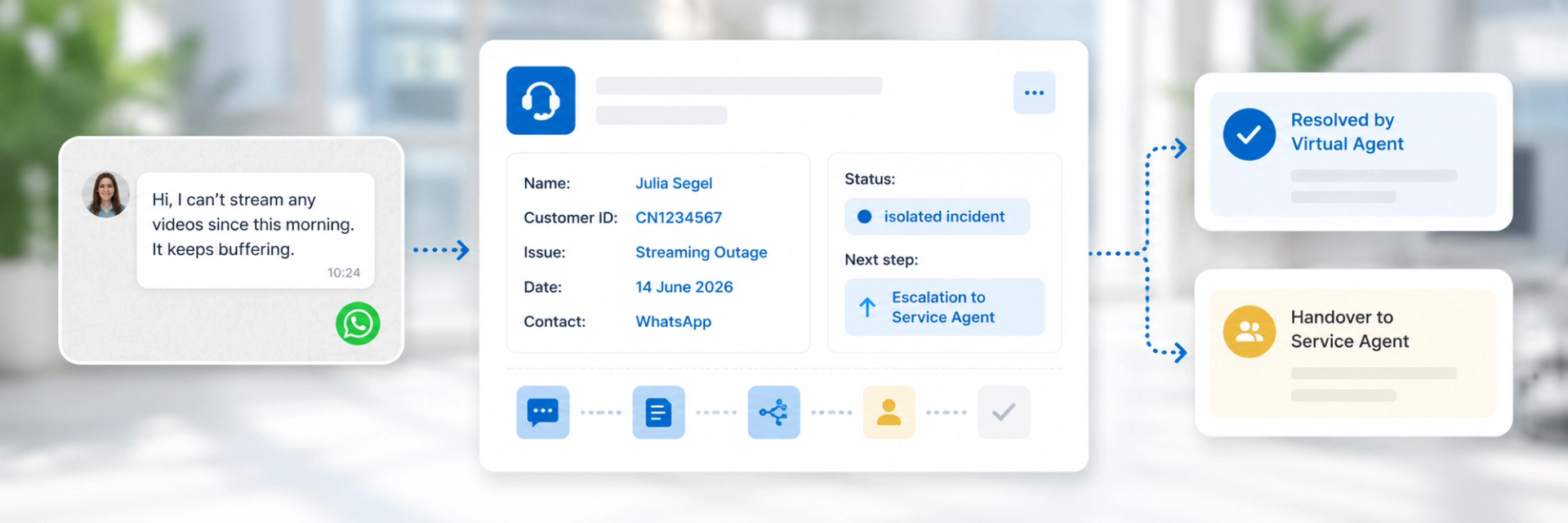
Example visualisation generated from chat history and CRM data.
04 · Insight
Great Service Sounds Like a Conversation, Not a Form
The tangible impact emerges where automation no longer feels like automation. The Conversational Care Agent behaves less like pre-programmed software and more like a new colleague: with clear guardrails that can be refined during ongoing operations. With every optimisation, the number of unnecessary handovers to human team members decreases, directly reducing costs and response times.
In the future, the same foundation can support the integration of additional data sources and transform reactive service into a proactive, personalised service companion.
Components Used


Reach your customers directly via messenger: integrate WhatsApp as a service channel where they already are.
Messenger
Messenger
Communicate with your customers where they are already active. Messaging services enable direct, straightforward communication in real time.
Continue Here
Request AI Consulting Now
Turn individual chat messages into a personalised service channel that anticipates your needs.
Additional Use Cases
Explore our collection of use cases to discover further ways to use AI profitably.
AI Powered by Salesfive
Everything you need to know about data foundations, AI agents and governance for productive AI use in your organisation.